From novice to exam-ready
Purchase requiredGallegos Growth Real Estate Mastery
A nationwide, clarity-first real estate learning system with 6,246 original national and state-specific questions, 553 formula cards, and 60 complete offline language editions.
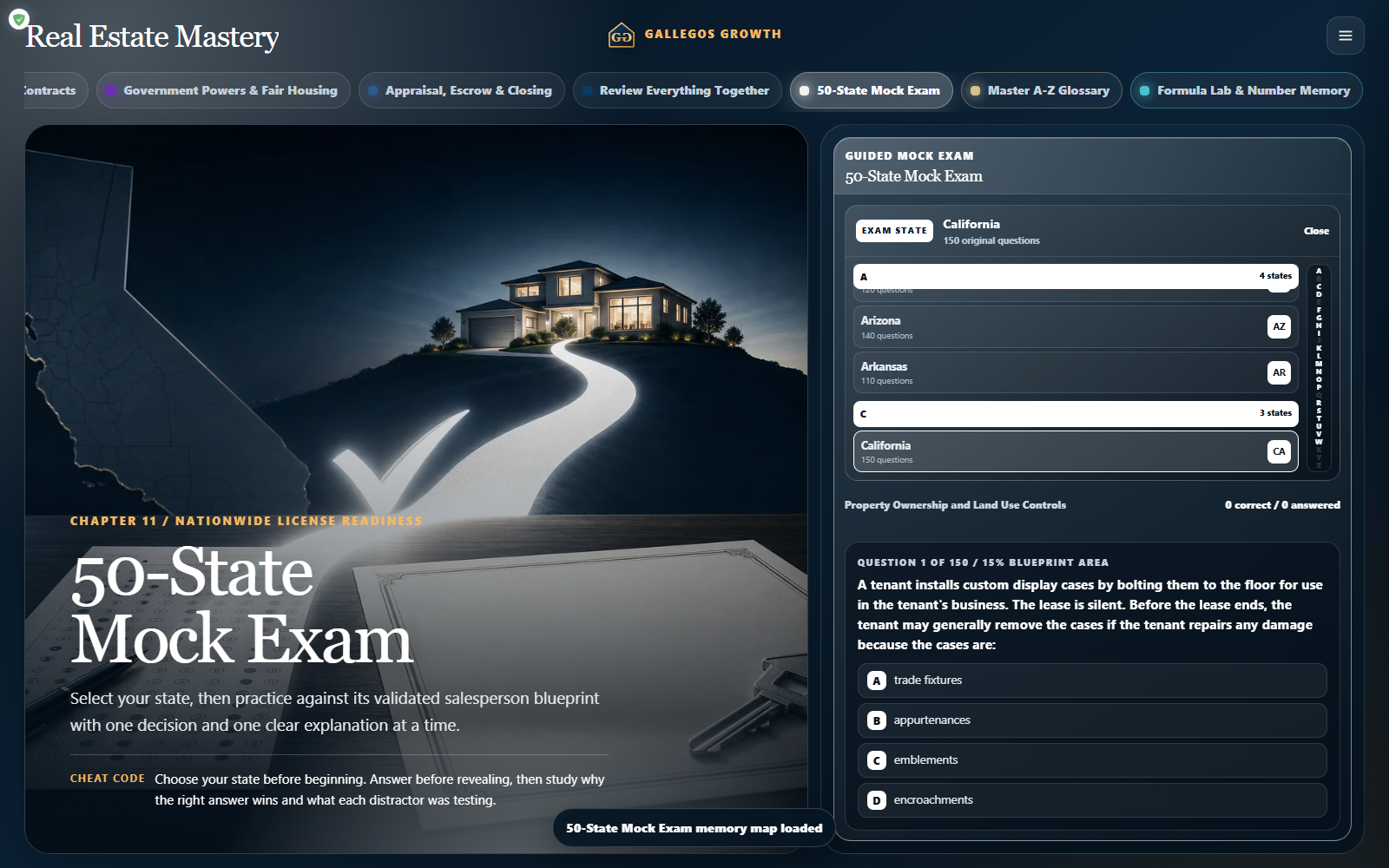 Real Estate Mastery
Watch the nationwide premium commercial
Real estate mastery, built nationwide.
Discover a clearer study routine with original practice, 50-state preparation, formula cards, a searchable glossary, and 60 offline language editions.
Inside the experience
See the app in action.
Real product imagery and learning samples from this Gallegos Growth experience.
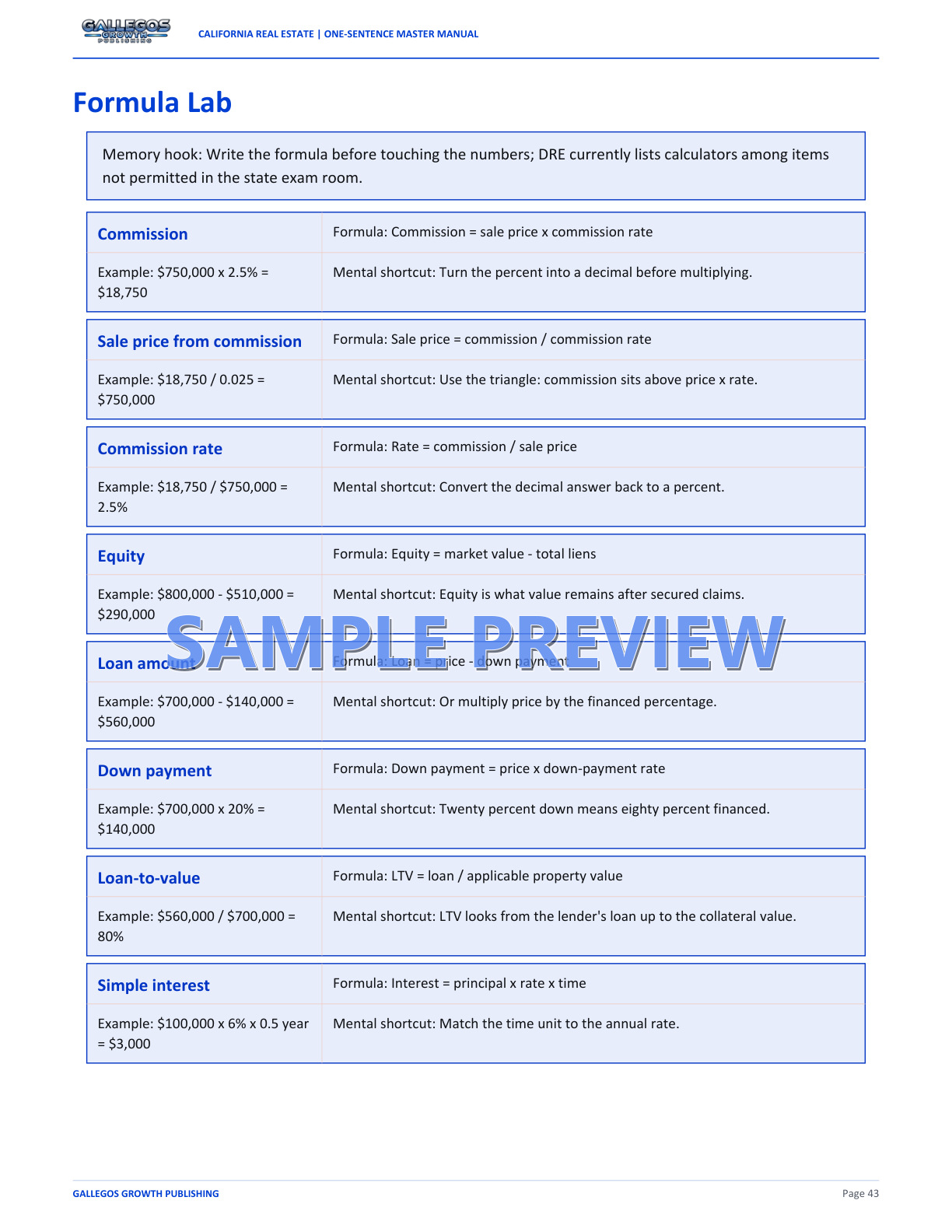
Built for practical use
What the app is designed to do.
Made for: Learners who want concise explanations, guided review, and original practice without relying on recalled or proprietary exam questions.
- 13 plain-language chapters
- 6,246 original national and state-specific questions
- Selectable mock-exam preparation for all 50 states
- 553 national and state formula cards with an independent selector
- 718-term searchable glossary
- 60 complete offline language editions
Paid access options
Choose the rhythm that fits.
Purchase through the Gallegos Growth cart, then open or install your web app on iPhone, Android, Windows, Mac, or any modern browser. Thirty-day and annual access include seven days of protected grace access after expiration.
INSTALL ON YOUR DEVICE
Your App. One Tap Away.
Place Gallegos Growth Real Estate Mastery on your Home Screen for fast, full-screen access without searching through a browser.No app-store download is required. Your protected account and purchased access remain connected to the same email address you use to sign in.